
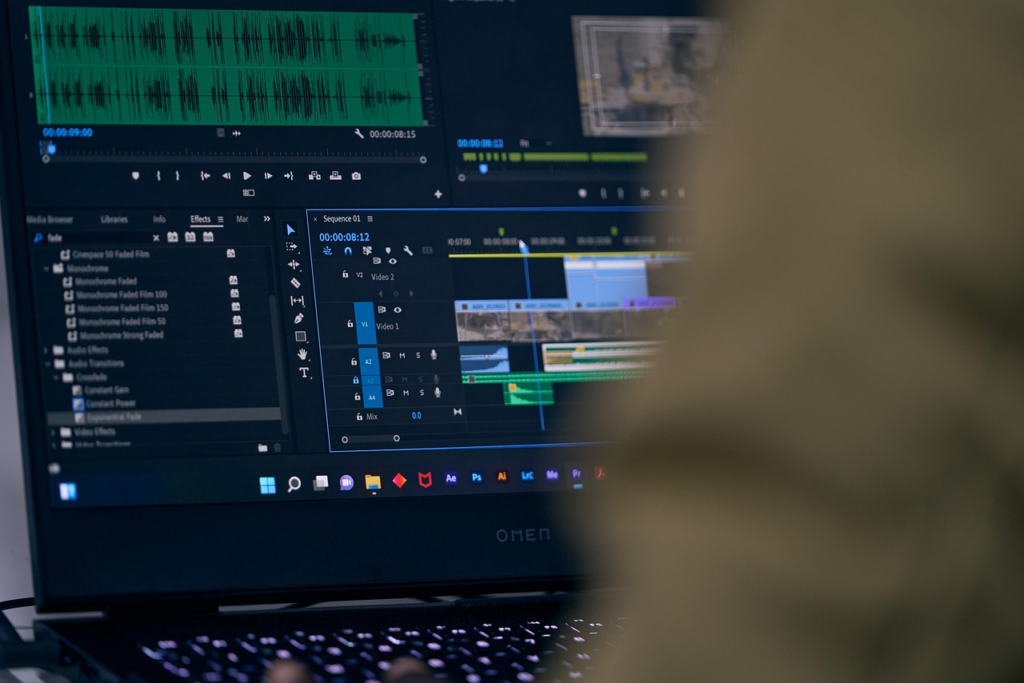
You open a folder of footage expecting the edit itself to take an hour. Then the smaller things start piling up. Clips need reviewing. Awkward pauses have to go. Scenes must be sorted, captions checked, and different versions prepared.
That is where much of the editing time disappears.
AI does not remove the need for an editor’s judgment, but it can reduce the repetitive work surrounding creative decisions. Used carefully, it can help creators get through the mechanical stages faster while leaving the final choices in human hands.
Where AI Can Save Time Without Taking Over the Edit
The biggest editing delays often come from small, repetitive tasks rather than major creative decisions. AI can help handle some of this groundwork, giving editors a faster starting point while still leaving them in control of pacing, storytelling, and the final cut. The following seven tasks are good examples of where that balance can work.
1. Reviewing Long Clips
Watching every recording from beginning to end can take longer than expected. Especially when a project contains several takes of similar material.
Some AI-assisted editing tools can scan footage and help surface potentially useful sections. Instead of repeatedly scrubbing through the same files, an editor can begin with a narrower selection and decide what actually belongs in the finished video.
The technology speeds up the search. It does not decide what makes a moment interesting.
2. Removing Obvious Dead Space
False starts, long silences, and unusable sections often need to disappear before detailed editing begins. Finding every one manually is straightforward. But it can become tedious later.
Automated assistance can make an initial pass at obvious gaps or unwanted sections. The editor can then review those suggested cuts and restore anything that contributes to timing, humor, tension, or context.
3. Organizing Clips Into a Usable Order
A folder containing dozens of good clips can still be difficult to work with. Before polishing anything, the editor needs some form of structure.
AI can help with early organization by grouping material or arranging clips according to instructions about subject, sequence, or purpose. That gives the editor a starting framework instead of an empty timeline.
It is particularly useful when the problem is organization rather than creativity.
4. Building the First Rough Cut
A rough cut has to answer basic questions: Which scenes belong together? What should appear first? Is the video already too long?
Prompt-based editing is making this stage less dependent on constant manual arrangement. For example, the CapCut × Codex AI video editor uses uploaded footage alongside natural-language instructions to help select moments, remove unnecessary sections, and assemble an editable first cut. The editor can then adjust structure, timing, and individual decisions rather than treating the generated draft as final.
5. Creating First-Pass Captions
Captions are valuable for accessibility and for people watching without sound, but transcribing speech manually is slow.
Automatic transcription can create a useful starting version within the editing workflow. Human review still matters. Names, unusual terms, punctuation, overlapping voices, and speech affected by background noise can all produce mistakes.
The time-saving comes from editing a draft rather than typing every line from scratch.
6. Reframing Videos for Different Formats
A landscape video may later need vertical or square versions. Repositioning every shot manually creates another layer of work.
AI-assisted reframing can help produce an initial crop while keeping important subjects visible. It is not something to accept blindly. Text, background details, or secondary subjects may still end up in awkward positions, so each version needs a quick visual check.
7. Repeating Familiar Editing Patterns
Recurring video projects often follow similar structures. The same intro length, caption treatment, scene order, or trimming routine may appear week after week.
AI can help reduce the setup involved in these predictable stages. The useful distinction is simple: automate the repeated action, not the creative reasoning behind it.
What Still Needs Human Judgment
Not every editing decision should be optimized for speed.
An editor still needs to judge whether a pause feels intentional. Whether a reaction deserves another second. Or whether a technically clean cut interrupts the story. Tone, humor, emotional timing, and audience expectations are difficult to reduce to a fixed instruction.
AI is generally most useful when the task is repetitive. Or clearly defined and easy to review.
Final Thoughts
The practical value of AI in video editing is less about replacing the editor and more about clearing away routine work. Reviewing footage, trimming dead space, organizing clips, preparing captions, reframing scenes, and creating rough cuts can consume a large share of production time. When some of that groundwork becomes easier, editors can focus more attention on the decisions viewers actually notice: what stays, what goes, when the cut happens, and how the finished video feels.